
當使用 Android Studio 開啟一個舊專案,或是剛更新 AGP 或 Gradle 版本時,常常會出現一堆以前不會出現的錯誤,如版本不相容 或 Duplicate Class :
annotation-jvm-1.6.0.jar!/META-INF/annotation.kotlin_module: Module was compiled with an incompatible version of Kotlin. The binary version of its metadata is 1.8.0, expected version is 1.6.0.
這問題 Google 搜尋半天,爬了一堆討論串還是很難聚焦收斂解決方案,就算使用 ChatGPT 也只能得到不同的臆測性回答。但是,用結合ChatGPT技術的 Microsoft Bing,一次就找到能搞定問題的解決方案!! 超讚的啦~~
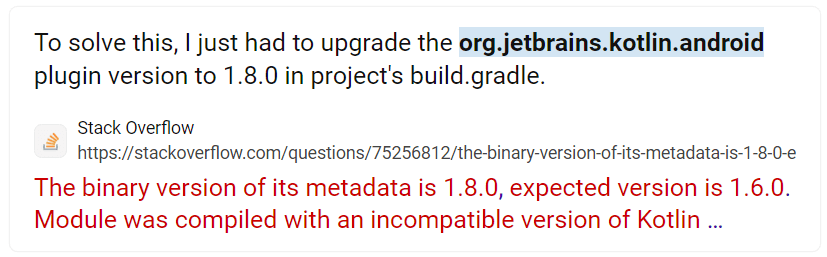
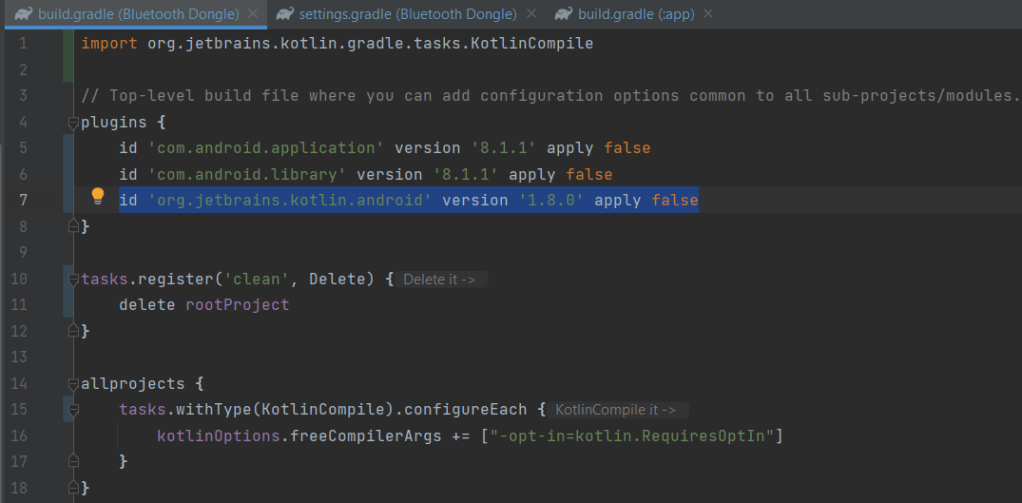
修改 build.gradle(project) 內的 plugin: id ‘org.jetbrains.kotlin.android’ version ‘1.8.0’ apply false
確定 build.gradle(app) 內的 plugin 沒有指定版本

另外,也要確定 settings.gradle 沒有過期無效的 repositories

 Brassai Kao’s Tech Weave
Leave a comment